


HarmoniKeyBoard ▀ Probably One Of The Most Configurable Third-Party Keyboards On HarmonyOS 7
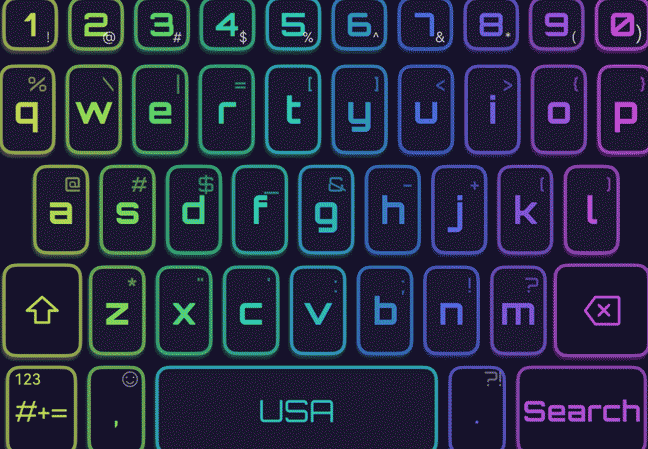
The default keyboard can be potentially uncomfortable, especially for non-Chinese writers.
The main problem with the native solution is the super awkward switch to the secondary language.
This issue led me to try out a couple of other third-party solutions.
At the end of the day, I was satisfied with HarmoniKeyboard.
It is extremely feature-packed, has a privacy mode, and offers lots of beautiful skins.
However, it does have some downsides.
The settings are hard to navigate because of the enormous amount of options (though the search function helps a bit),
and it can be quite heavy on the CPU if you turn on too many special effects.
Even Kirin 950 Pro struggles in terms of performance if you turn all the effects on.
As for me, I settled on medium settings and am quite happy with that.
Application could be found in the official Huawei’s AppGallery software catalog
[HarmoniKeyBoard]
Due to HarmoniKeyboard’s complexity, the application has some non-critical bugs here and there.
But what’s more important, though, is that it is actively maintained by a highly dedicated developer.
You can reach him out at the following email address:
|H|u|a|w|e|i|p|r|o|r|e|v|i|e|w [AT] g|m|a|il| {DOT} c|o|m|