Full-fledged cameraphone benchmarks are aimed on screens > 1280px width.
So almost any desktop or laptop should be fine. Smartphones are not supported, in favor of pixel-peeping convenience.
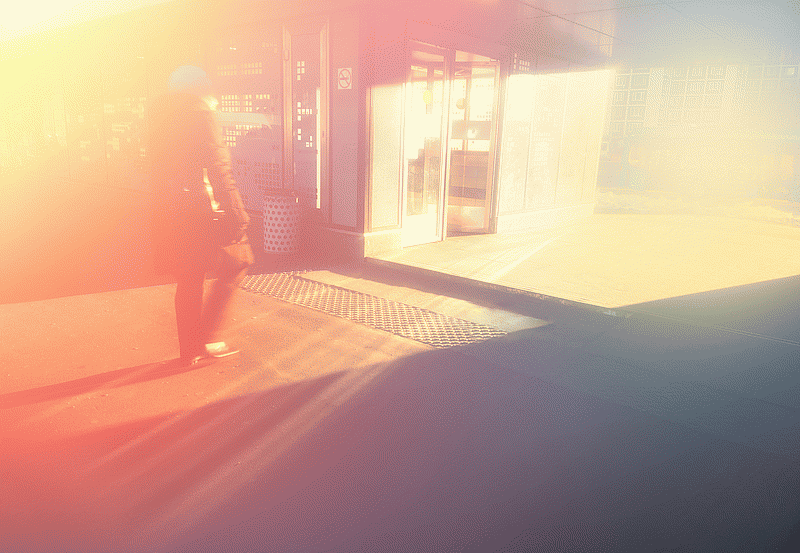
CURRENTLY TEST IS NOT OPTIMIZED FOR MOBILE VIEW! IMAGE WIDTH > 1280px IS RECOMMENDED! Doin’ professional imagery retouching for more than 10 years in a row. Just quick before-after comparison. Hardware: [Nokia PureView 808]
Software: [Affinity Photo v1.10]
BEFORE / AFTER
By default software forbids execution when you are using classic desktop and aero is not enabled.
However, there is a nice workaround. By adding –no-dwm-warning switch to starting shortcut you can avoid internal restriction.
"C:\Program Files\Affinity\Photo\Photo.exe" --no-dwm-warning NOTE: with some graphical drivers you may experience visual artifacts and not so precise image rendering.