Of course you run into situations when you would like to copy “non-standard” files to your Android smartphone and dumb MTP protocol showed up window like this one:
And this torture repeated after every new file type copied. Such imbecility can be removed by following command in admin console:
regsvr32 /u wpdshext.dll That’s all, limitation is gone.
Another hint, which potentially can help to overcome weird design of MTP protocol.
UPDATED ON: 2025-10-18
Addons, addons, addons!! So many of them! How to choice the right one? Whom to trust to? I will help you with your findings and share my personal kit.
Rule of thumb: do not install too much addons, they will slow down your browser noticeably!
░ SECURITY ADDONS [uMatrix]
► best content blocker ever, even better than uBlock [Github archive]
[Ublock Origin]
► an efficient blocker. Easy on CPU and memory.
UPDATED ON: 2023-02-16
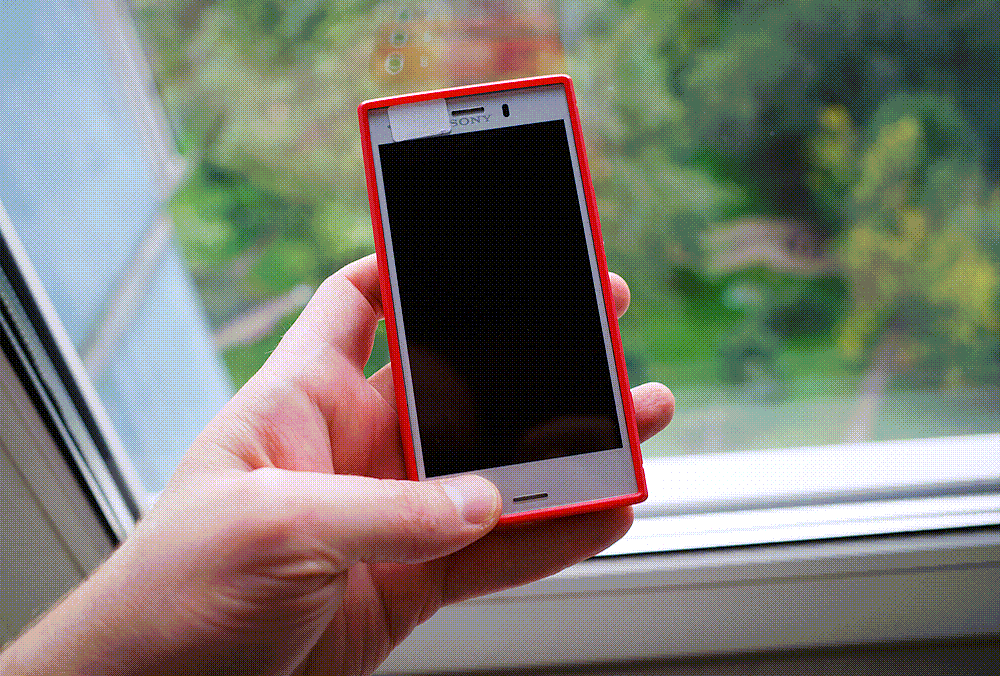
I’m not a big fan of Sony smartphones. Yeah, their products almost always packed with technology, but in terms of engineering ideas and realization things they suck pretty badly. Same point of view regarding their photography division.
But nevertheless I’m using Sony XZ1 Compact as my main portable web gateway on daily basis. Using it due to ultra-compact size and no alternatives available. It’s a 2017 flagship, based upon Snapdragon 835 CPU and paired with 4Gb of RAM.
I bet that many of you would like to open site links not in the same window, but in a background tab. Such behavior is restricted by default settings of most Hugo themes. Mainroad is restricting it also. Here is a solution on how to overcome weird limitation.
Create file render-link.html in _default folder of the theme. Name_of_your_site\themes\mainroad\layouts\_default\_markup\render-link.html Contents of render-link.html should be like this:
<a href="{{ .Destination | safeURL }}"{{ with .
UPDATED ON: 2023-08-12 Added microsoft hosts, fixed errors. If you have any suggestions or I’ve missed something [please drop me a line]
.
► SOME PREFACE WORDS THE MOST COMPLETE LIST OF MALWARE UPDATES FROM MICROSOFT GROUPED BY CATEGORIES.
List of updates without links to original ms site due to deletion. KB prefix removed. 454826
971033
2922324
2976987
3012973
3014460
3015249
3022345
3068707
3074677
3090045
3102812
4012218 UNINFORMED ABOUT PRIVACY STARTER PACK FUN FACT: microsoft already not only hiding, but deleting important information regarding “bad updates” from search engines like google.
Just a simple list of the most important services of Windows 7.
Whatever happens - don’t disable them.
Services are programs, which are automatically loading into memory of your computer during start-up time.
Services are always hanging around in computer’s RAM in background mode. Alternative name: resident programs.
That is why it is so important to cut most of them to free valuable memory up for your personal applications.
Described issue related to Windows 7 and modern AMD-based GPU’s. Some users on Reddit [have reported]
,that there is a problem with modern Radeon cards. Core of the problem: sometimes monitor can’t wake up from sleep state and shows up no signal message, despite the fact that computer continues to operate. Keyboard input, sound output are working normally though.
Of course you can set Windows power management not to turn off monitor completely, but this will be quite a waste of energy.
Since Firefox v3.x the browser is capable of managing color profiles like sRGB & AdobeRGB.
When a browser doesn’t support color management or it has been badly implemented, images won’t show up right.
I don’t quite understand why people are using horizontal top [MacOS] or horizontal bottom [Windows] taskbars and not vertical one. Most of us are exploiting 16:9, 16:10 or even 21:9 displays. So basic logic confirms that we have more pixels in horizontal plane and less in vertical. So it’s better to save vertical space [pixels], but not horizontal ones. GUI of complex programs like to “eat” vertical space soooo much.
To check system hard drive and fix errors:
chkdsk c: /f To check system hard drive, fix errors, locate and mark bad sectors:
chkdsk c: /r Very basic command to check integrity of system files:
sfc /scannow If sfc can’t help you try DISM.
Check system health for any corruption presence:
Dism /Online /Cleanup-Image /CheckHealth Check system health for store corruption presence:
Dism /Online /Cleanup-Image /ScanHealth Finally, repair command:
2022-12-05 Fixed some errors and added misc info 2021-12-08 Final cleanup, brought some glitter to the post 2021-08-14 Fixed errors, added some additional stuff.
If you found mistakes please [report me back]
.
Some useful information accumulated during last three years of Nokia 808 usage. Most of the advises mentioned here could be easily applied to any camera or smartphone.
░ CAMERA MOD [MODIFICATION OF CAMERA APP] At the very beginning you need to make sure that you have installed [Osenok & Timoxa_ resolution patch]
.




![Improving Firefox Privacy & Security ▀ Addons [Part I]](/img/ff-sec1.png)